Event Feedback
Collect feedback from your attendees and review it in one place. Every Buzz event ships with a ready-to-use feedback form, so you can start gathering responses without building anything.
How feedback is collected
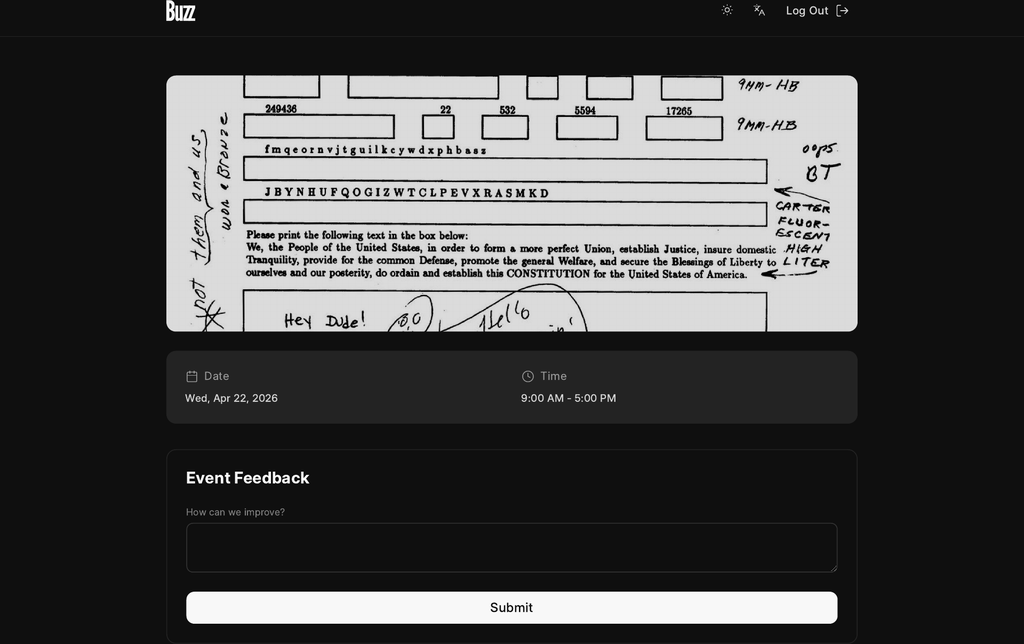
Feedback is gathered through a custom form. When you create a Buzz Event, Buzz automatically adds a default feedback form to the event, wired to the Event Feedback doctype. You don't need to set it up — it's there from day one.
The default form is published at:
/b/<event-route>/feedback
For example, if your event route is frappecon, the feedback form lives at /b/frappecon/feedback. Share that link with attendees after sessions or at the end of the event.
Each submission creates one Event Feedback record. The form includes:
- How can we improve? — a free-text field for open-ended feedback.
- The event is filled in automatically from the URL, so attendees never have to pick it.
Because it's a standard custom form, you can customize it the same way you customize any other form — change the success message, set a close time, require login, hide fields, or add extra questions. See Build a custom form for the full set of options.
The feedback form is one of three forms created automatically for every event, alongside Propose a Talk and Enquire Sponsorship.
Adding your own questions
The Event Feedback form supports additional fields, so you can ask more than just "how can we improve?". Add extra questions (ratings, dropdowns, text) as Buzz Custom Fields targeted at the Event Feedback form for your event. These render on the public form and are stored alongside each response.
For how to define and place these fields, see Build a custom form.
Where to review feedback
All submissions land in the Event Feedback list in Desk, where you can read, filter by event, and export responses.
To view feedback for a single event:
- Open the Event Feedback list in Desk (
/app/event-feedback). - Filter by the Event field to scope responses to one event.
- Open any row to read the full response, including any additional fields you added.
You can also export the filtered list (CSV / Excel) from the list view for offline analysis or sharing with your team.
Event User Preferences
Event User Preferences is a separate, per-user record (keyed by user) that Buzz uses to remember a user's choices across events. It is not part of the feedback flow — feedback is never written to it, and attendees don't interact with it when submitting the feedback form. Treat the two as unrelated: feedback captures responses about an event, while Event User Preferences stores settings tied to an individual user account.
Quick reference
| What | Where |
|---|---|
| Public feedback form | /b/<event-route>/feedback |
| Where responses are stored | Event Feedback doctype |
| Review / export responses | Desk → Event Feedback (/app/event-feedback) |
| Customize the form | Build a custom form |